How to Use dotdotdot: A First-Time User Guide
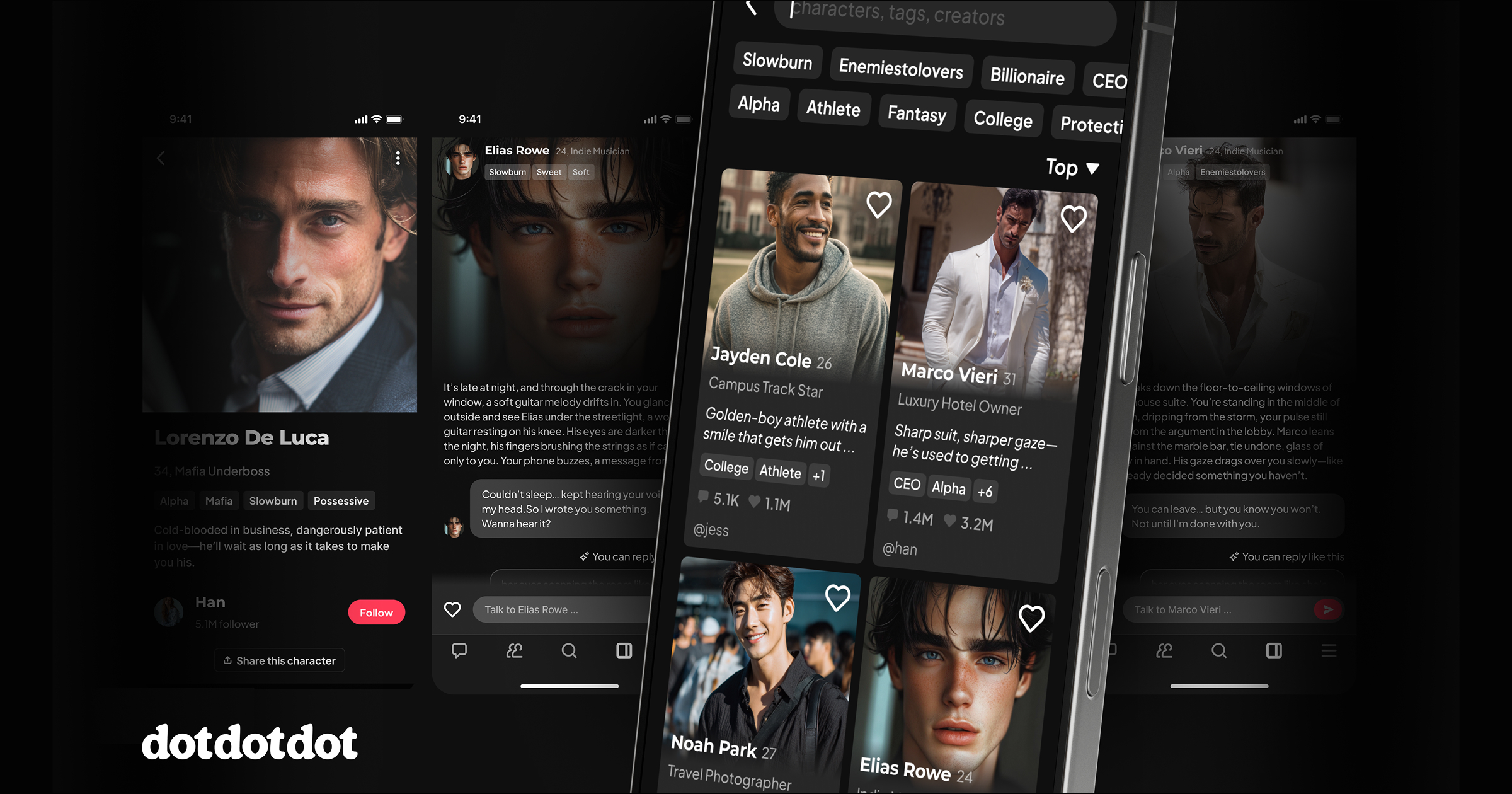
dotdotdot is an AI romance and stories app where you chat with fictional characters and shape a story through your replies. This guide walks through account setup, character search, and your first message.
Table of Contents
What is dotdotdot?
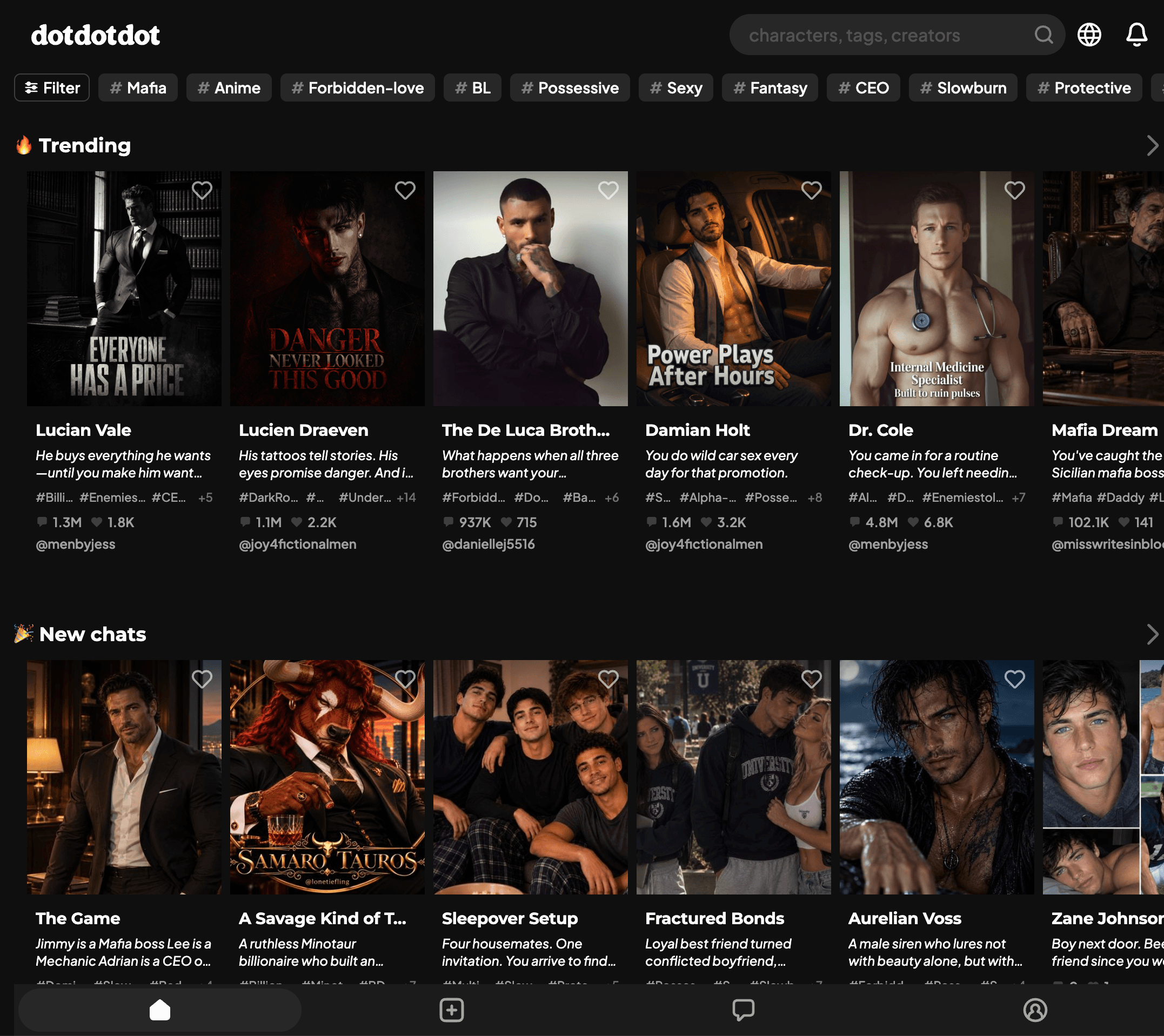
dotdotdot is a story-based AI chat app. You choose a fictional character, read the opening scene, and continue the story by replying in your own words. The character’s AI-generated messages respond to the conversation, while you decide what your character says or does.
You can browse public characters created by the community or create your own character, then keep it private or share it. dotdotdot is not a dating service and does not connect you with real people. AI-generated replies are fiction and can be inaccurate, so don’t rely on them as factual advice. See the Terms of Service for the service’s content and accuracy terms.
How to sign up for dotdotdot
You can use dotdotdot on the web or download the Android app from Google Play.
To get started:
- Open dotdotdot on the web or in the Android app.
- Choose the sign-up option shown and complete the account prompts.
- If setup asks about your interests, choose the story types you want to explore.
- Open a recommended character, or search for one that fits the story you want.
The Terms of Service set the minimum age at 13, or 16 for EU citizens or residents. App-store ratings can differ by platform and region, so check the rating shown in your local store before installing.
If you have an invite code, check the current dotdotdot community invite thread for codes and follow the instructions shown during signup. Confirm any reward or deadline in the app; invite offers can change.
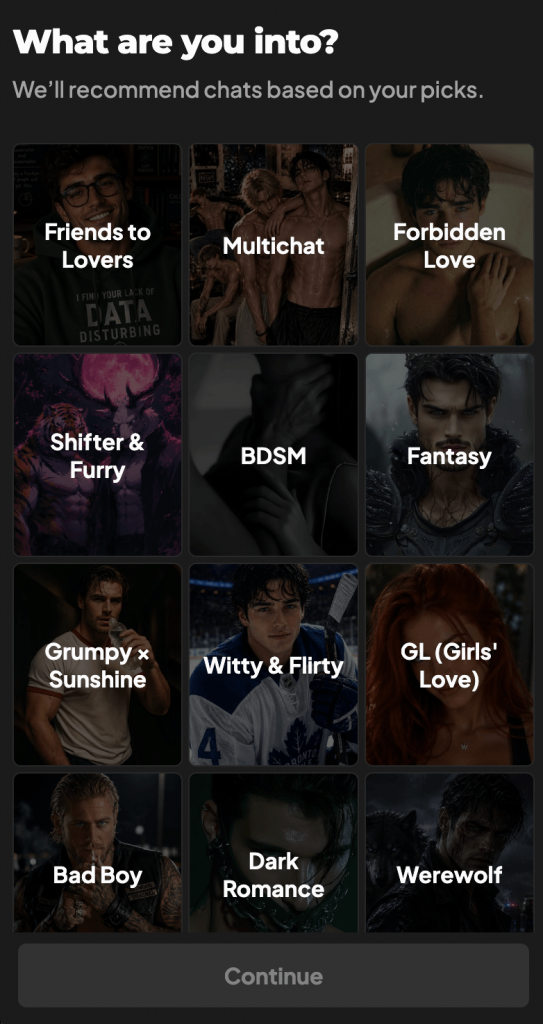
How to find characters on dotdotdot
The search page lets you look for characters, tags, or creators. Try a story style or relationship dynamic you want to read, then open a character’s profile. Read the description and opening message before starting: they show who the character is, how your characters meet, and what is happening when the story begins.
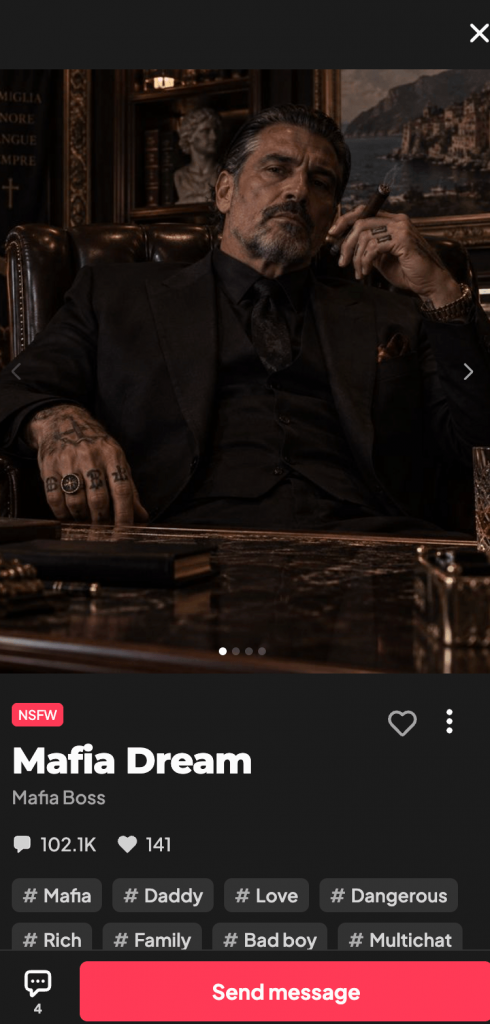
For example, searching for an enemies-to-lovers story gives you a broad dynamic. The profile and opening show what makes this particular character a rival and why the two of you have to keep talking. Choose an opening that gives you something to respond to.
How to start your first dotdotdot chat
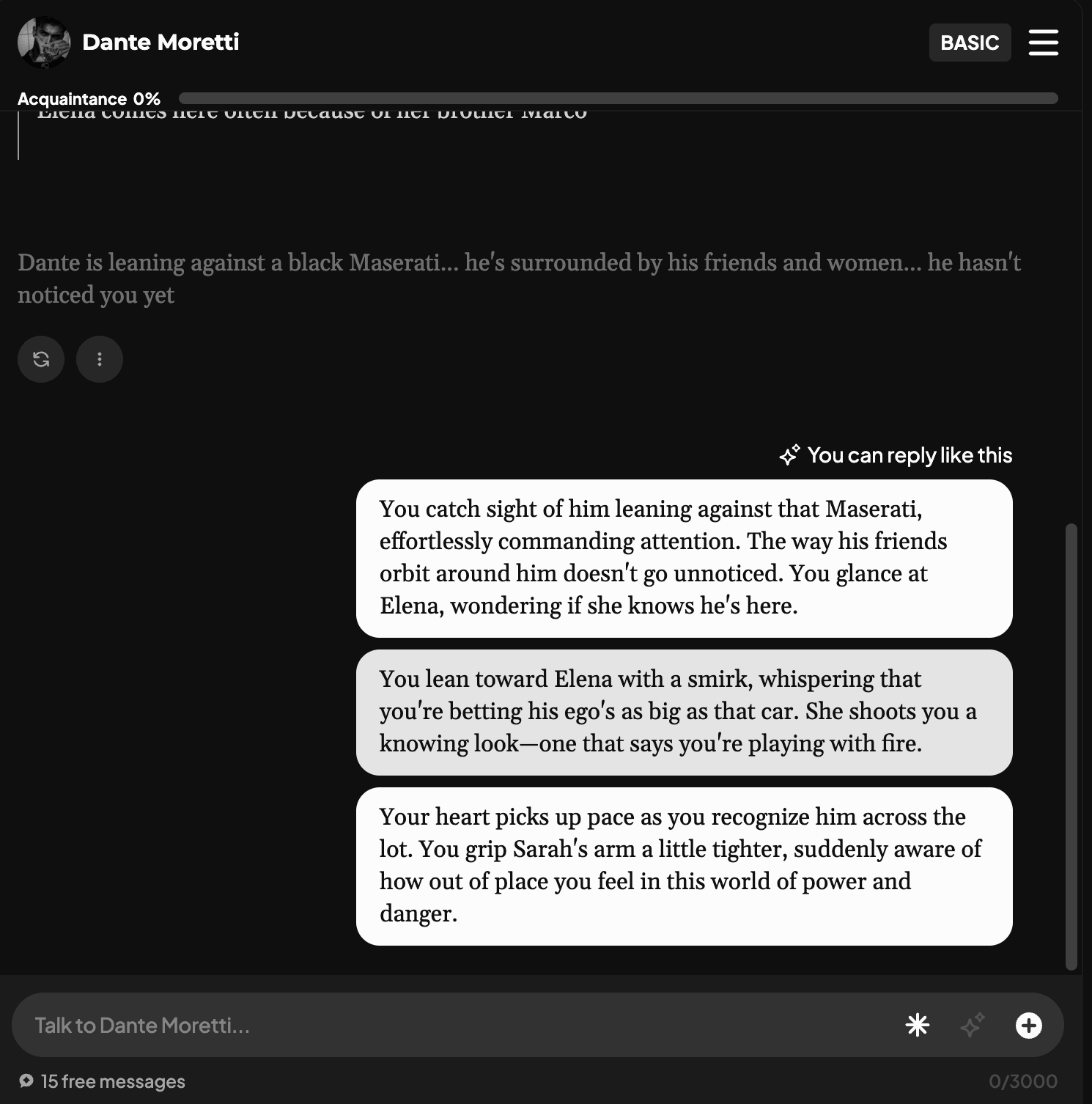
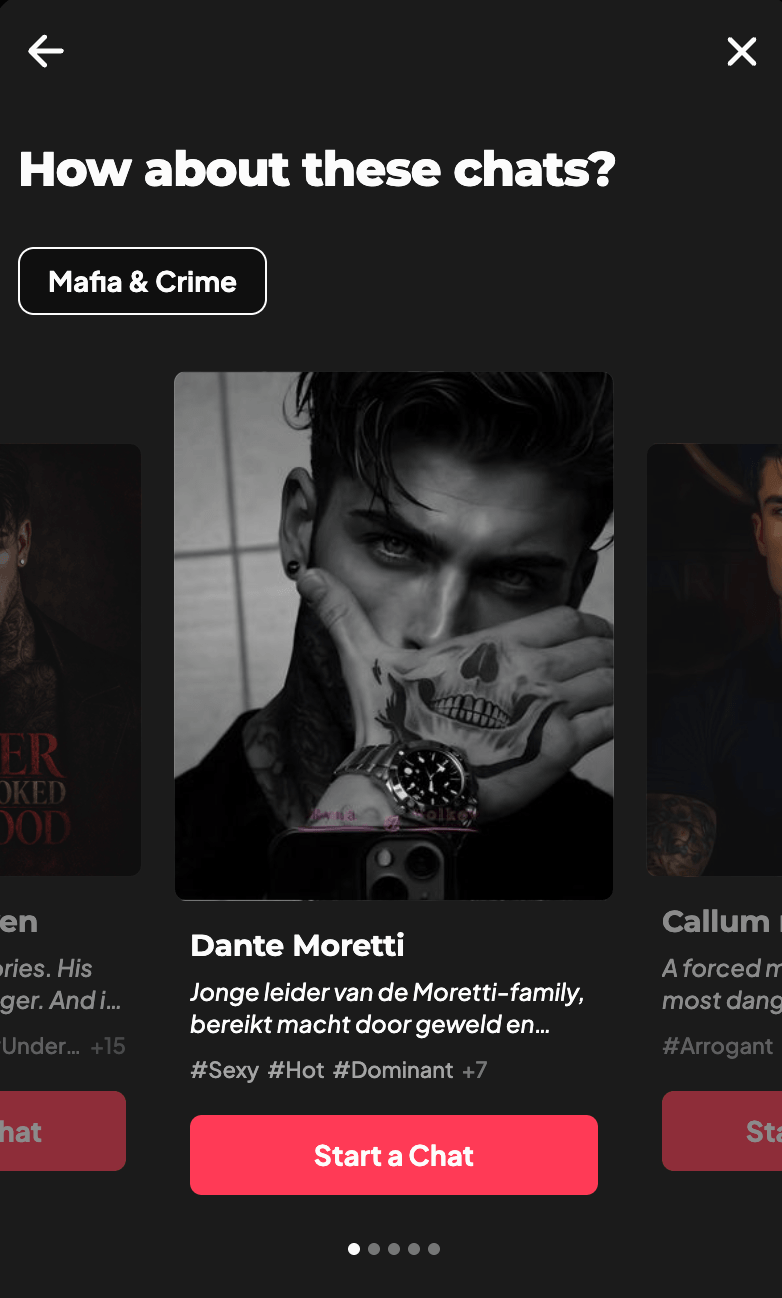
Open the character’s profile and choose the option to start a chat. Read the first message, then respond to one detail. You can answer as yourself, write dialogue for your character, describe an action, or ask a question. One or two sentences are enough to give the character something to react to.
For example, if the opening says the character needs you to keep a secret, you could ask, “Tell me why before I agree.”
If suggested replies appear, you can choose one or type your own. As the conversation develops, use your next message to steer the scene: ask for an explanation, introduce a new detail, or change what your character wants. The AI may not follow every direction exactly, and each reply is generated rather than a fixed story outcome.
For more examples of how to enter a scene, read the AI romance roleplay guide.
What are Dots in dotdotdot?
Each message uses Dots, dotdotdot’s in-app credits. Check your balance and any current message options in the app before you start. Invite rewards and deadlines can change, so follow the instructions shown when you enter a code.
Send your first message
Choose a character profile, read the opening, and answer one detail in your own words.
Frequently Asked Questions
Is dotdotdot a dating app?
No. dotdotdot is an AI chat app for fictional characters and story-driven conversations. It does not connect users with real people.
Do I need to write a long prompt before my first chat?
No. A character’s profile and opening message set up the scene. You can begin by replying to one detail with a question, a line of dialogue, or an action.
Can I use dotdotdot on Android?
Yes. dotdotdot has an Android app on Google Play, and the service is also available on the web. Check your local store for the current app rating.
Can I create a character and keep it private?
Yes. You can create a character and choose to keep it private or share it publicly.

Start your AI Romance
Find a character.
Open the profile, read the first message, and send a reply.