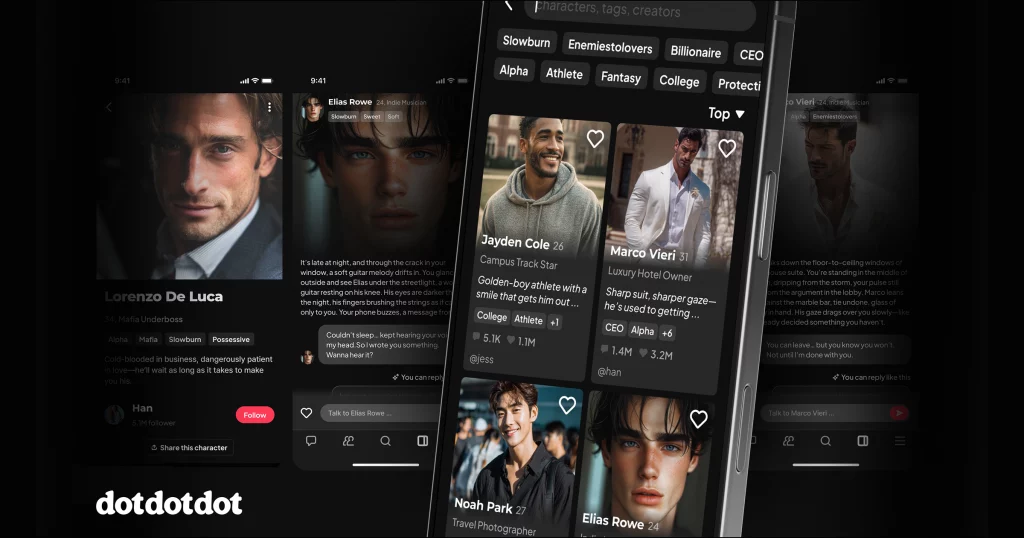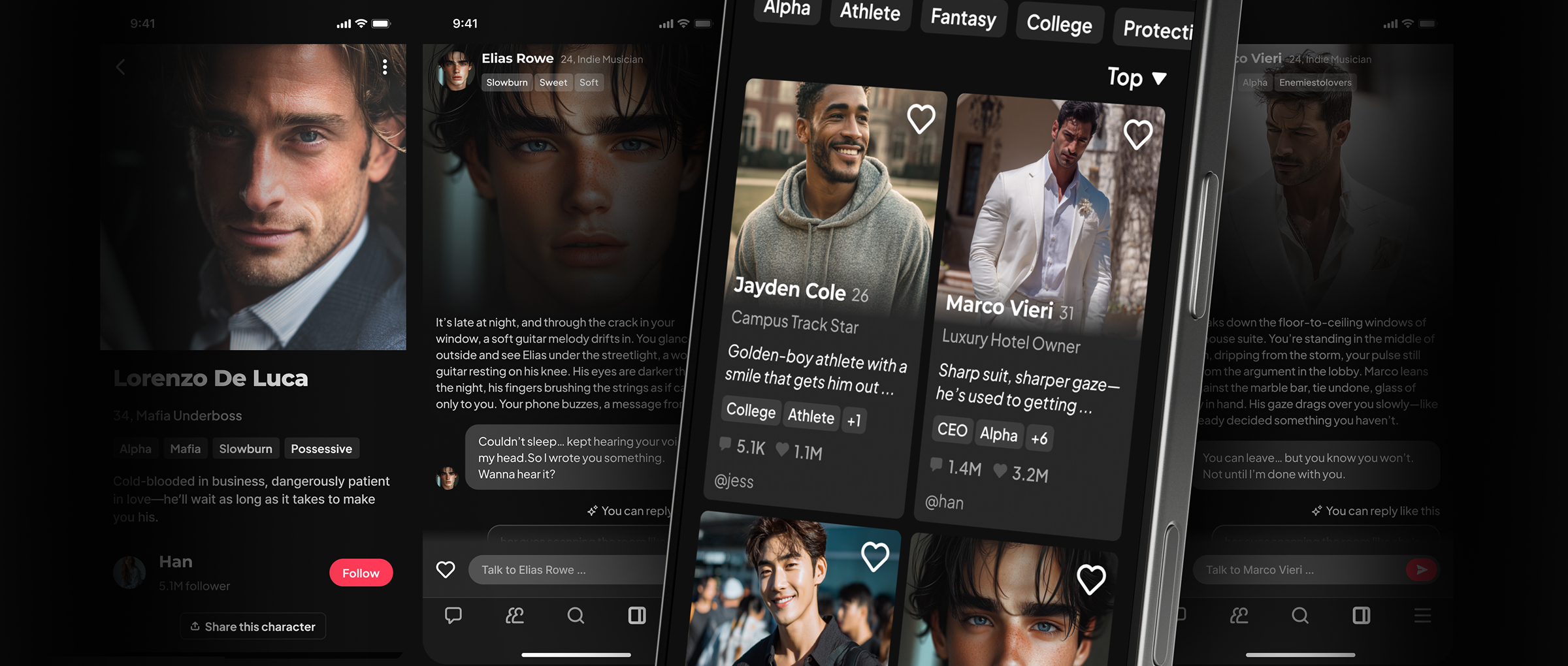
dotdotdot: An AI Boyfriend App Where You Write Back
On dotdotdot, you choose a fictional love interest, read his opening scene, and reply in your own words. The AI writes his response, and you decide what your character says or does next. For a love triangle, our Multichat feature lets several AI characters talk with you and one another.
Choose your first love interest
Read a character’s opening scene, then reply in your own words.
Table of Contents
Read his first message. Decide what you say back.
The character’s profile introduces his personality and your situation together. His opening gives you something to respond to, so you can start without writing a whole relationship or a long setup.
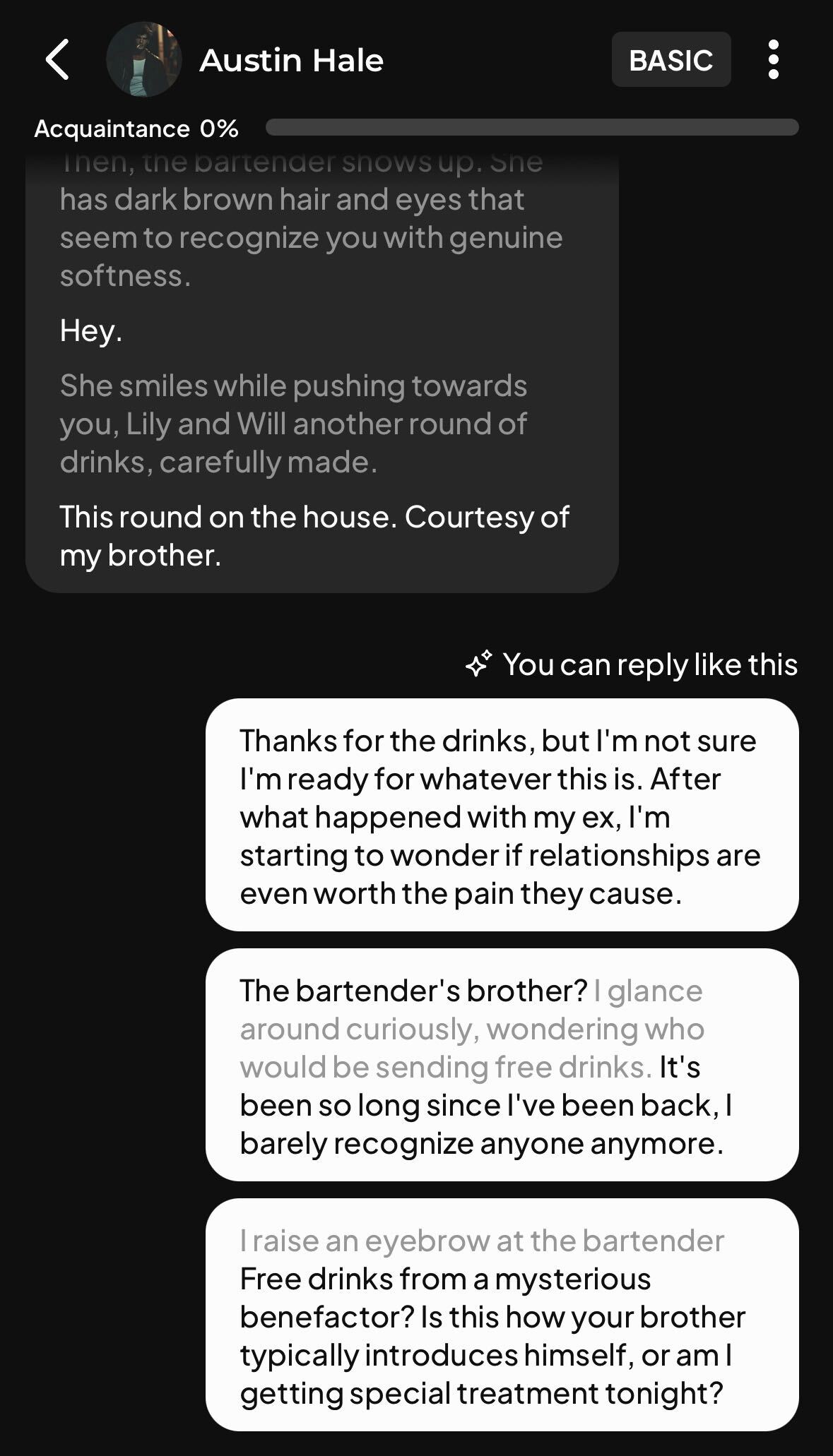
Your next message gives the character something to react to. Follow his answer, question his motives, or describe a choice your character makes. Our AI romance roleplay guide has more character openings and ways into a scene.
Try a love triangle with Multichat
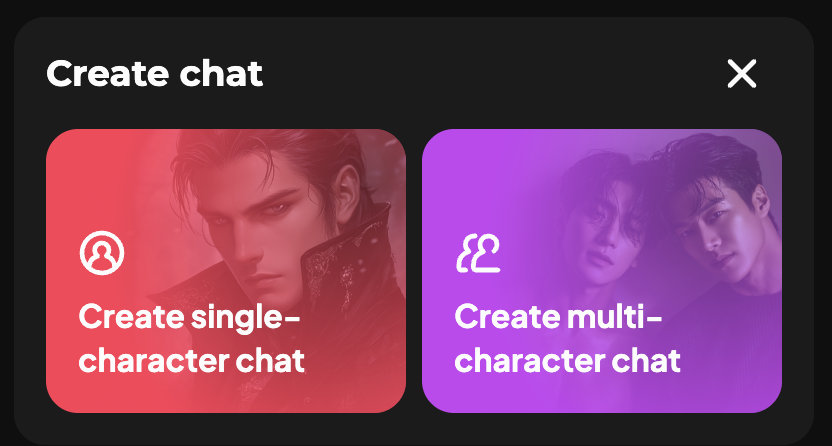
Multichat puts several AI characters in the same conversation, where they can respond to you and to one another. A romantic rival can take part in the exchange.
For example, you could direct a question to one love interest while the other is present, or address them both and see how they respond. You write your part; the AI generates the characters’ replies.
Shape the pace, or create your own character
You can give a short direction about where the story should go. For a slower romance, you might write, “Let them get to know each other before either confesses.” If a reply misses a detail, clarify what happened or edit the conversation. The AI may not follow every instruction exactly.
Have a particular love interest in mind? Create a character by defining his traits, tone, and background, then keep him private or share him with the community. Our chat and character guide explains those controls.
Web, Android, and Dots
Use dotdotdot in your browser or through our Android app. The first-time user guide covers signup and finding your first character.
Chat messages and rewinding use Dots, our in-app credits. Check your balance and the current costs in your account before using them. If your account shows free messages or an invite offer, follow the terms displayed there. We currently don’t offer subscriptions. Our Dots and purchases guide explains what to check.
Frequently asked questions
Can I pick up a chat later?
Yes. Conversations save automatically so you can return to them. The AI can still lose track of details; recap what matters or edit the conversation when that happens. Our chat help guide explains how to correct a scene.
Are my chats public?
Conversations are private by default. Sharing a character with the community doesn’t make your conversations public. Our Privacy Policy explains how we collect and process information, including chat communications.

Find a character you want to answer
Choose a character on dotdotdot, read his opening, and send your first reply. Want more than one love interest in the conversation? Explore a Multichat story.